

Press & brand materials
Everything you need to write about onAI: a profile, key facts, boilerplate, logos and product images to download, and a direct contact.
About onAI
In one sentence
onAI is the AI platform for businesses where employees build their own AI agents to take routine work off their hands, using the leading AI models and data from more than 140 apps.
Company profile
Many companies have rolled out an AI chat. onAI helps them take the next step, to AI agents that work inside their teams’ processes. The employees build these agents themselves, because they know their work best. Its guiding line: “From AI chat to agents that work alongside you.”
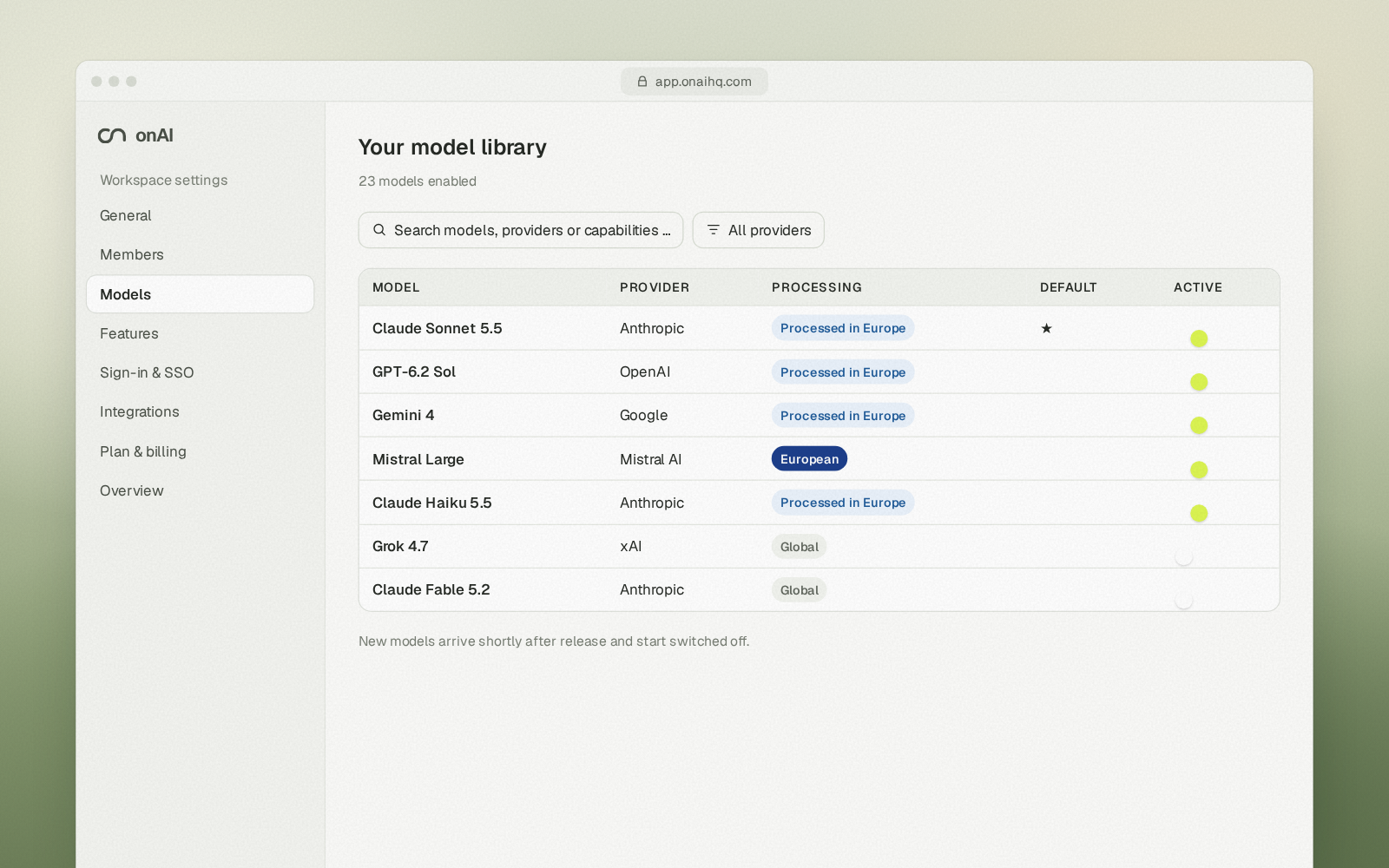
The foundation is onAI’s AI workspace with the leading AI models, including Claude, GPT, Gemini and Mistral. Admins decide which models and features their organisation uses, and in the AI Gateway they also set limits per person and keep an eye on costs.
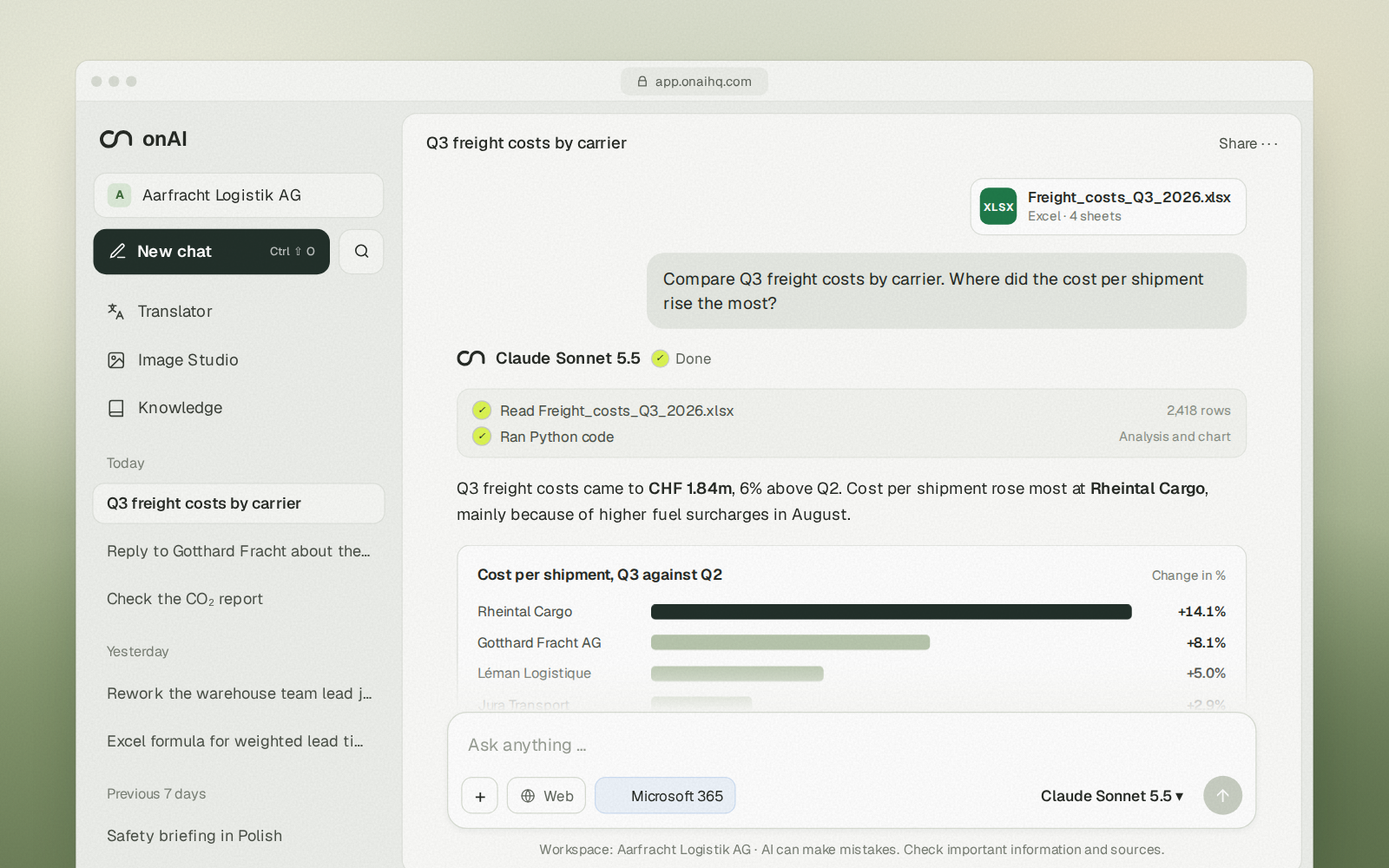
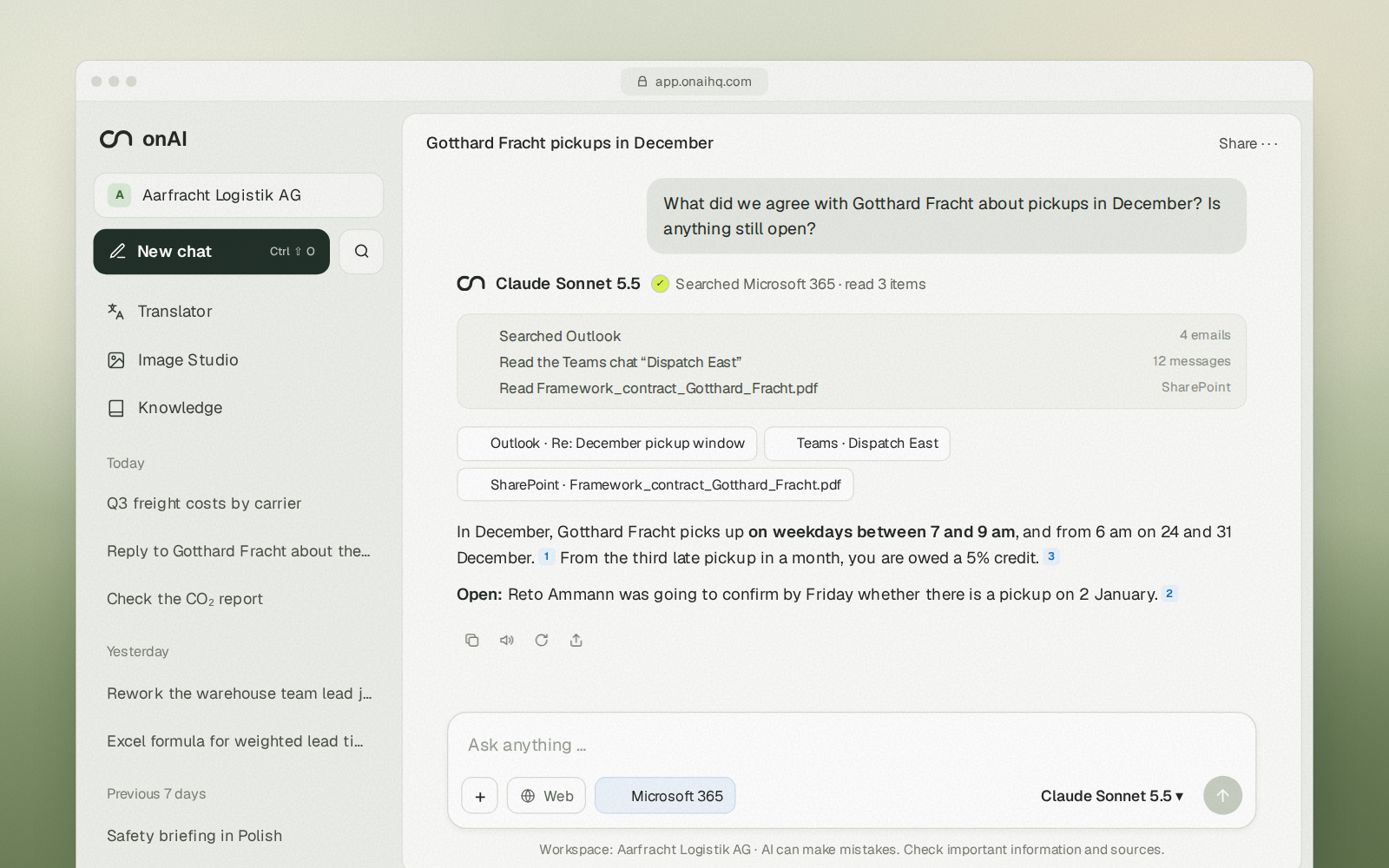
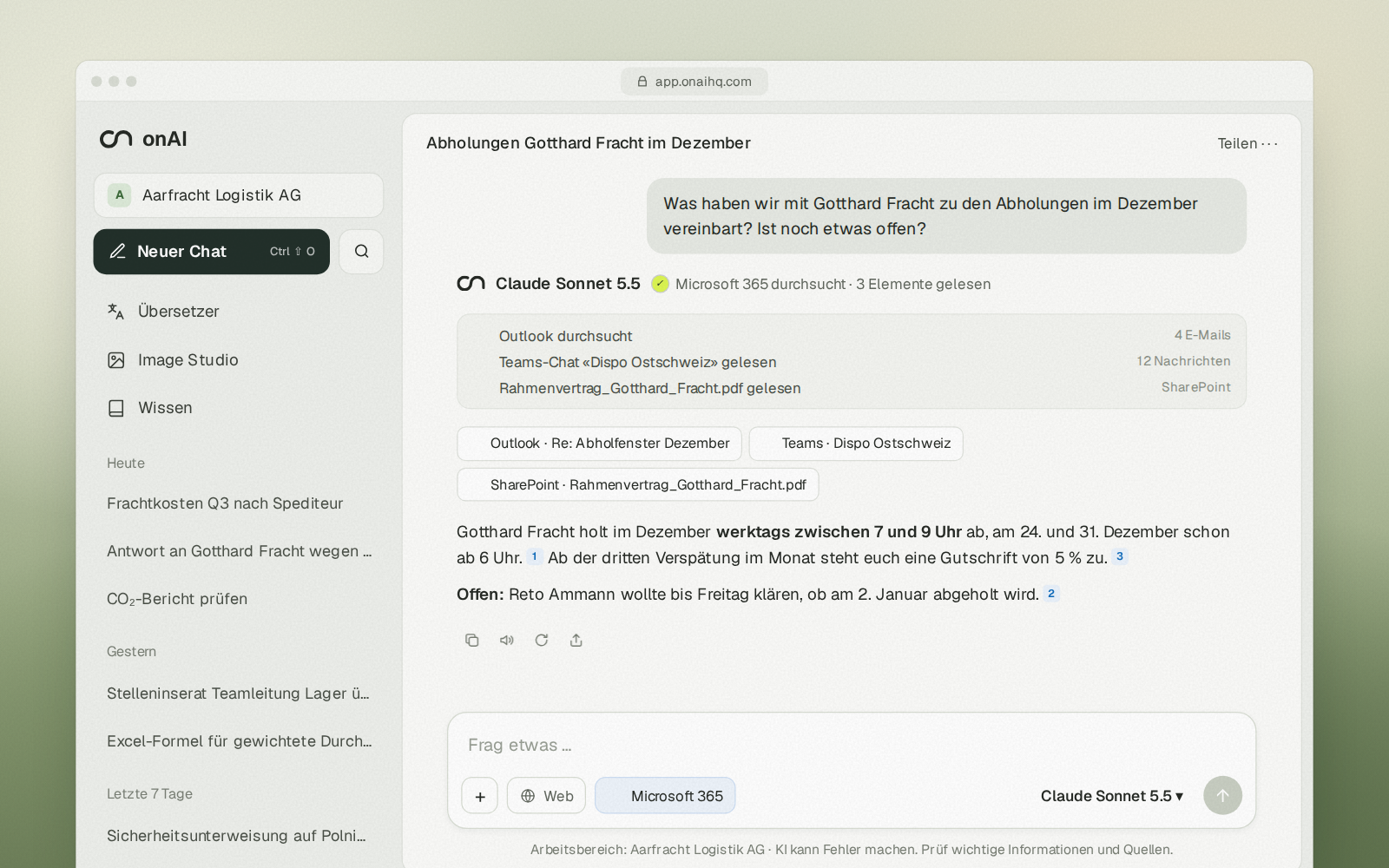
Microsoft 365 search pulls answers from Outlook, Teams, SharePoint and OneDrive, with the permissions of the person asking. Confidential details are anonymised before a request reaches web search. This anonymisation is unique to onAI.
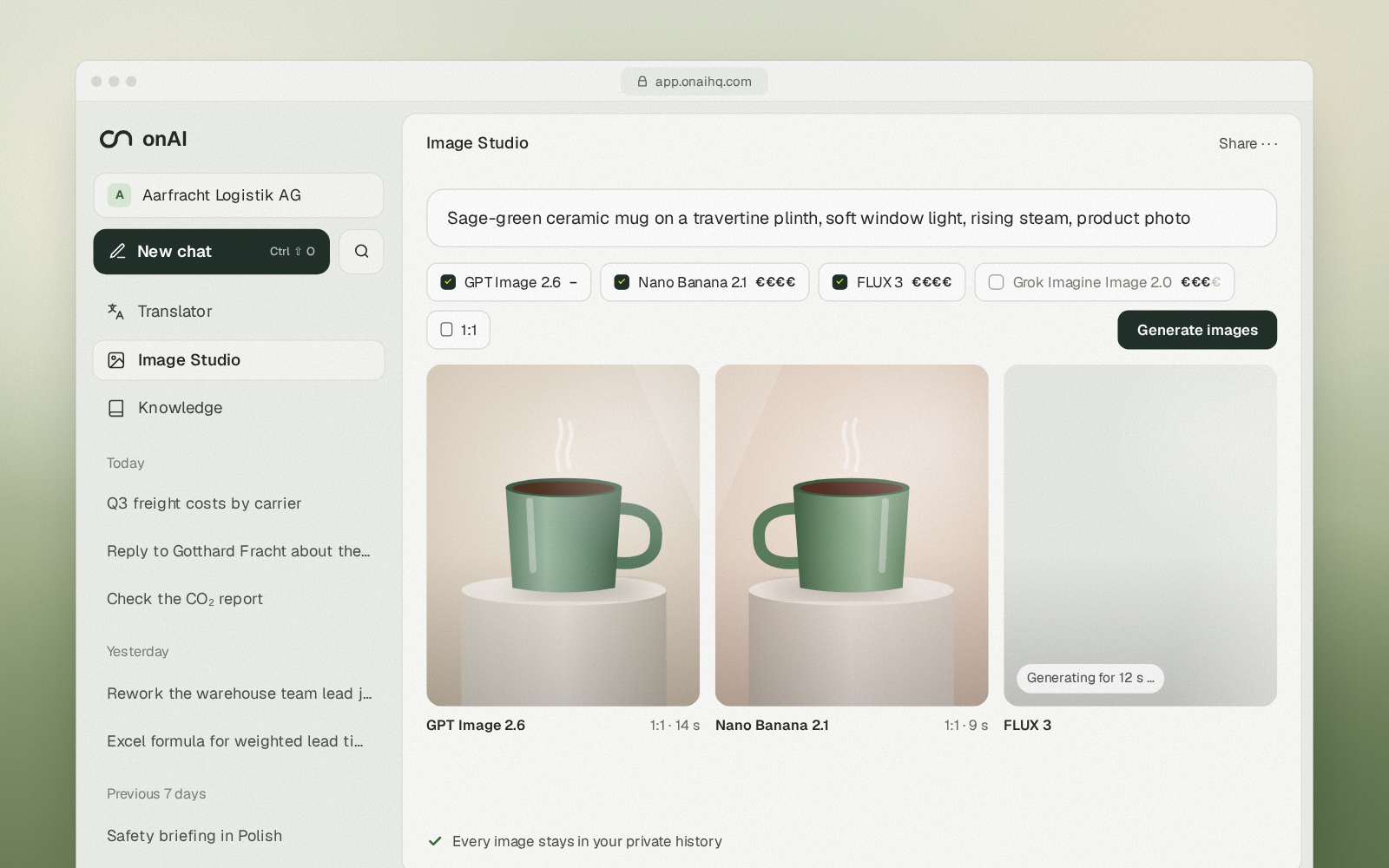
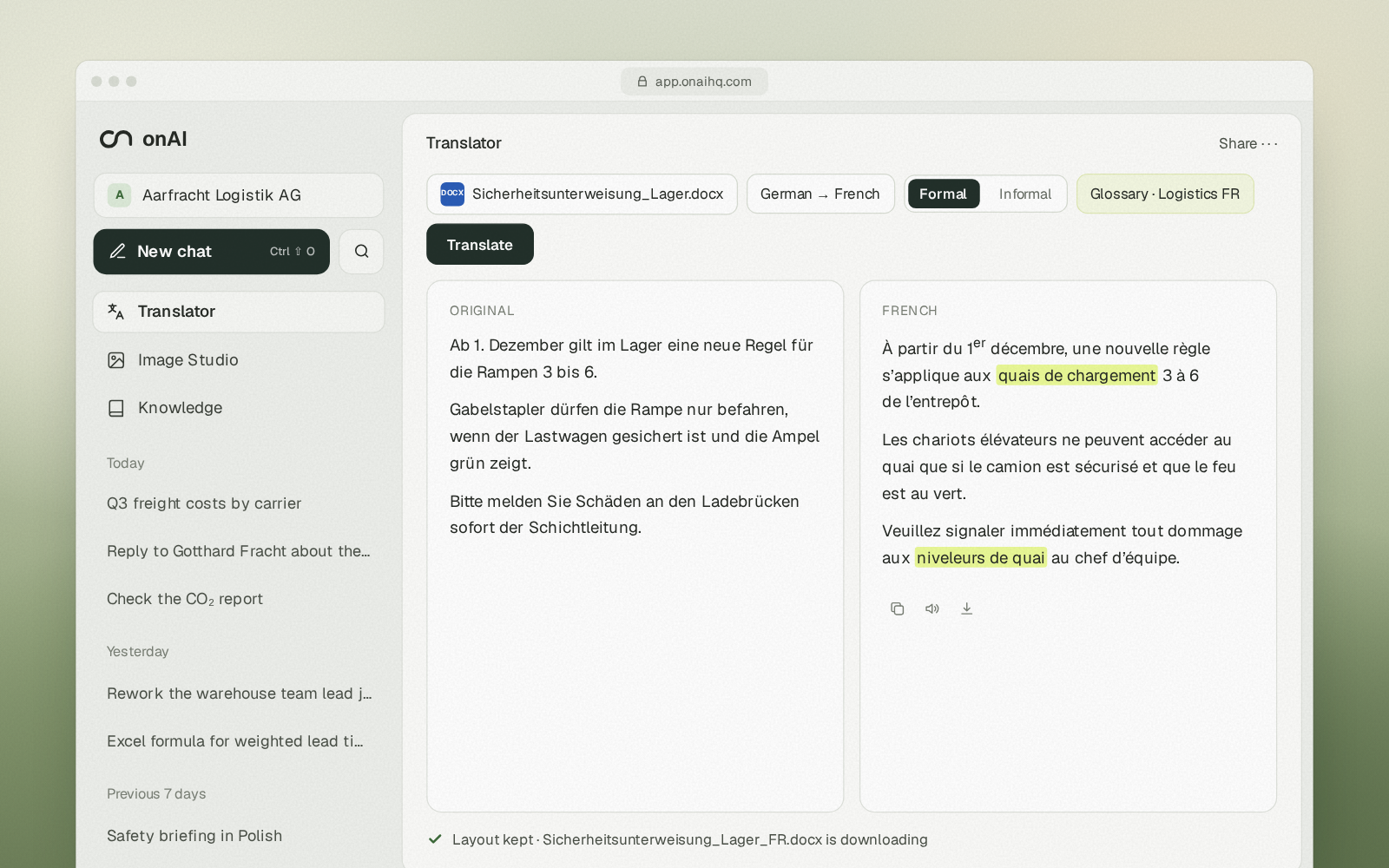
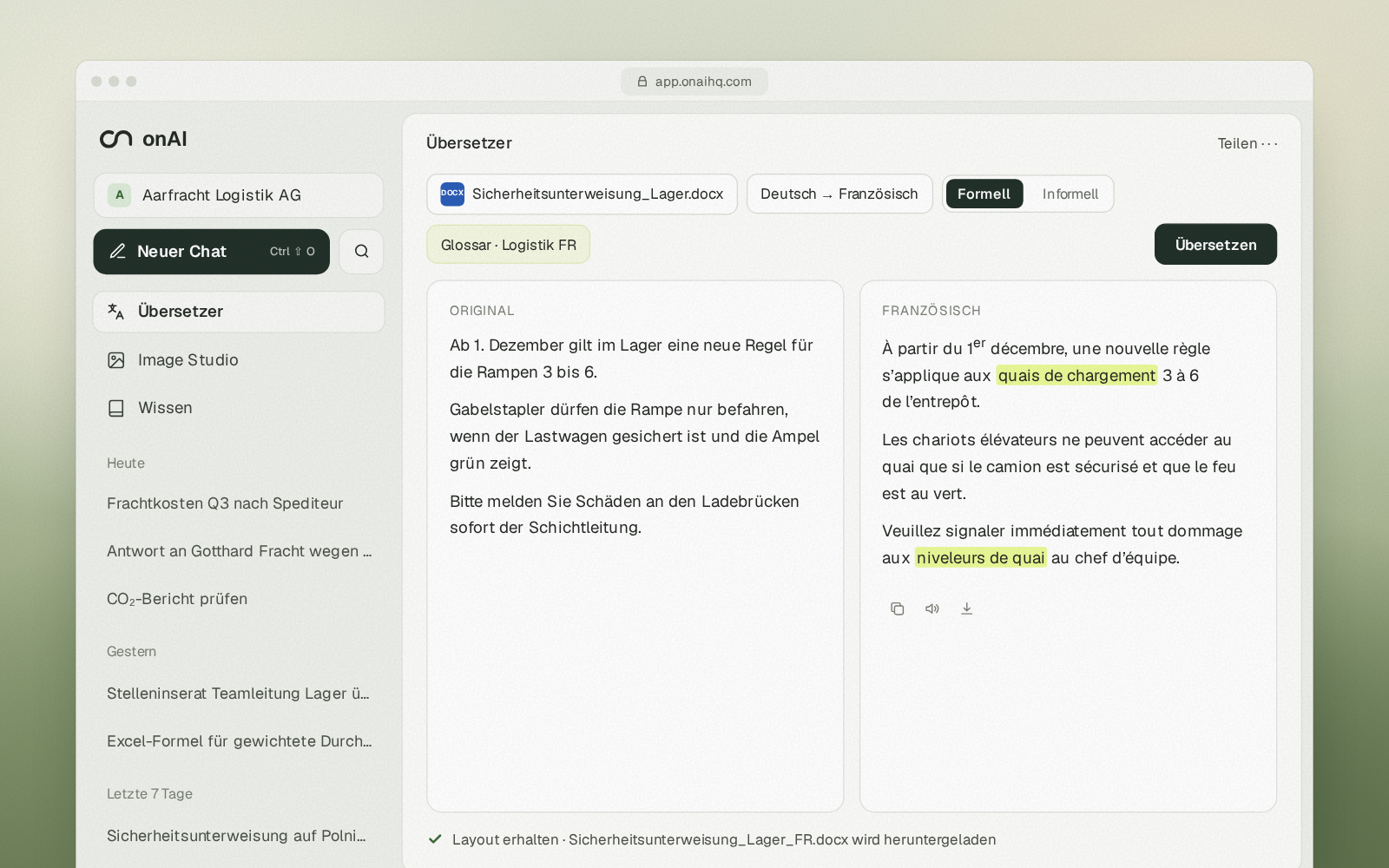
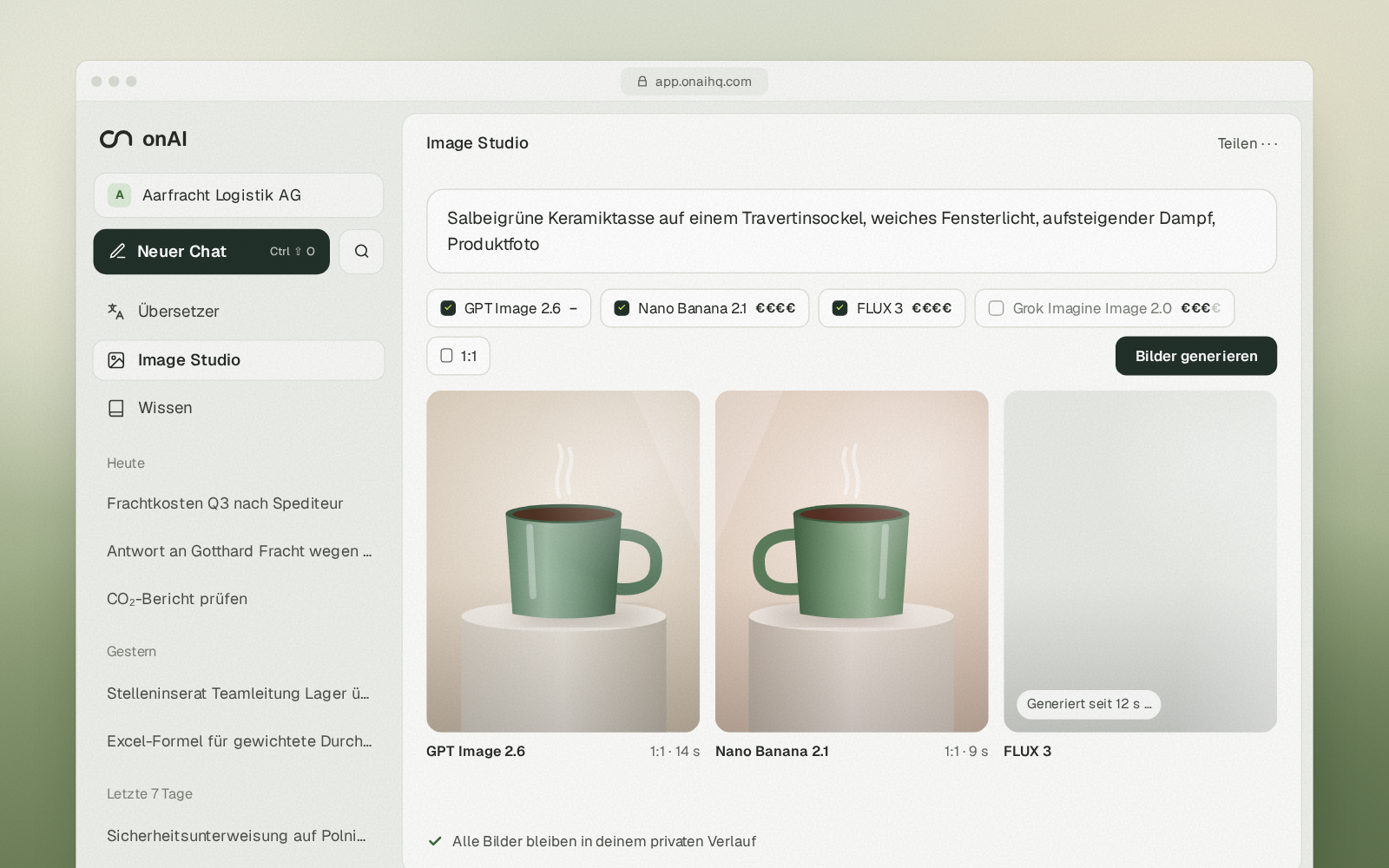
There is also a translator in DeepL quality that keeps the layout and fonts of documents and is billed per character. In Image Studio, teams compare images from the top models side by side. In the Agentenwerkstatt, onAI’s agent workshop, business teams build their own agents, with instructions, knowledge and tools from their own systems.
Through its AI Transformation offering, the onAI team supports the rollout, from a free AI audit through the first pilot to operation.
The contracting party is Telesoft AG in Oberwil-Lieli (Aargau, Switzerland). onAI runs on OVHcloud servers in France. Data from onAI is not used to train AI models. Customers include Manor, Switzerland’s largest department store group, with around 6,800 employees.
Key facts
- Product
- onAI
- Category
- AI platform and AI agents for businesses
- Claim
- From AI chat to agents that work alongside you.
- Offering
- AI workspace, Agentenwerkstatt and AI Transformation (support with the rollout)
- Provider and contracting party
- Telesoft AG, Oberwil-Lieli, Switzerland
- Hosting
- OVHcloud, France
- Reference customer
- Manor
- Spelling
- onAI (lowercase “on”, capital “AI”)
- Website
- onaihq.com
Media contact
For interviews, background talks, quotes or images in other formats, write to us. We’ll get back to you personally.
Send a press enquiryFeatures at a glance
Where onAI stands today. If you write about a feature, please mention its status.
Chat & models
AvailableThe leading AI models, including Claude, GPT, Gemini and Mistral, in one place and under the company’s rules.
Microsoft 365 search
AvailableLive answers from Outlook, Teams, SharePoint and OneDrive, with the permissions of the person asking. Confidential details are anonymised before a request reaches web search.
Translator
AvailableDeepL quality for text and documents. Layout and fonts stay intact, and billing is per character.
Image Studio
AvailableImages from the top models side by side, with the price shown before you generate.
Agentenwerkstatt
AvailableonAI’s agent workshop: business teams build their own agents with instructions, a model, knowledge and tools, and share them with their groups.
AI Gateway
AvailableAllowed models, limits per person and costs in view, across the whole organisation.
Bots
Invite-only betaAI team members that handle tasks in the background and ask before they change anything in an app.
Automation
PilotDescribe workflows in chat and run them with approvals.
Office add-ins
SoononAI right inside Outlook, Excel, Word and PowerPoint.
Boilerplate
Ready to use in articles, press releases and directories. Shorten them as you like, as long as the facts stay right.
About onAI: onAI is the AI platform for businesses where employees build their own AI agents. In the Agentenwerkstatt, onAI’s agent workshop, they create agents that take routine work off their hands, using the leading AI models and data from more than 140 apps. The onAI team supports the rollout from the first chat until agents work alongside every team. Customers include Manor. More at onaihq.com.
onAI: AI platform and AI agents for businesses. In the Agentenwerkstatt, teams build their own agents with the leading AI models and data from more than 140 apps.
In onAI’s Agentenwerkstatt, business teams build their own agents without writing code, using instructions, a model, their knowledge and tools from their own systems. Each agent is shared with the groups that need it.
Logos
The logo is the mark plus the “AI” wordmark. It comes in logo blue for light backgrounds, white for dark ones and lime for dark green. The mark on its own fits where space is tight, such as a profile picture.






ZIP with every logo (SVG and PNG), the six product images in German and English and a short guide.
Colours
Logo blue for the logo, a calm light background, a deep green for dark surfaces and a bright lime accent, used sparingly.
- Logo blue
#123963Logo on light backgrounds - Dark green
#1D2A24Dark surfaces - Lime
#DDF652Accent, logo on dark green - Ground
#EDEFEABackground - Ink
#262A25Text
Fonts
Three typefaces, all freely available.
Usage
Please do
- Use the logo in logo blue on light backgrounds, in white on dark backgrounds or in lime on dark green.
- Leave space around the logo, at least the height of the “A”.
- Write onAI like this in text: lowercase “on”, capital “AI”, no space.
- Use the original files from this kit.
Please don't
- Stretch, rotate or recolour the logo, or add shadows and effects.
- Place the logo on busy images or low-contrast surfaces.
- Rearrange the mark and “AI”, redraw them or set the wordmark in another typeface.
- Use the lime for the logo on a light background: it’s hard to read there.
Product images
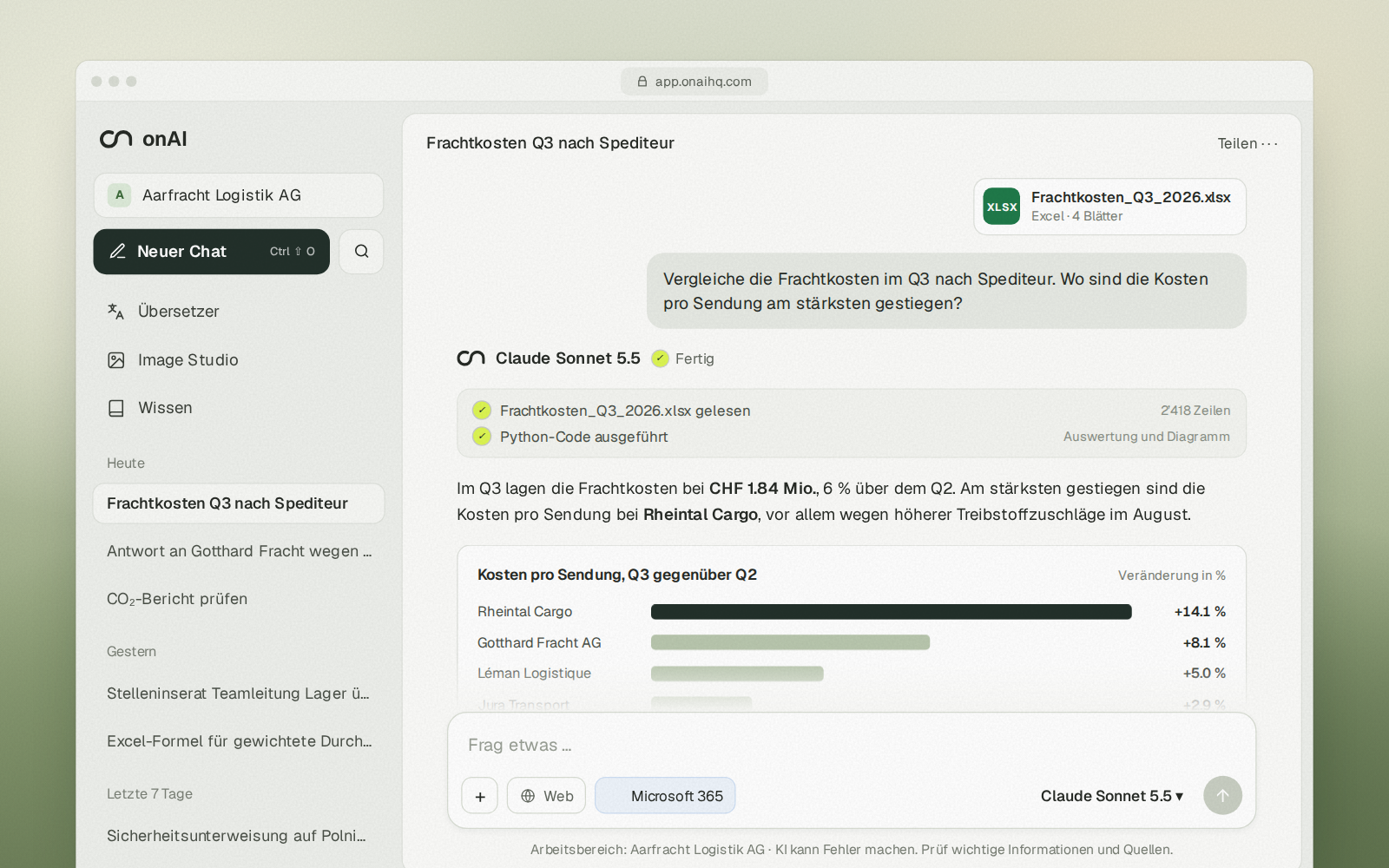
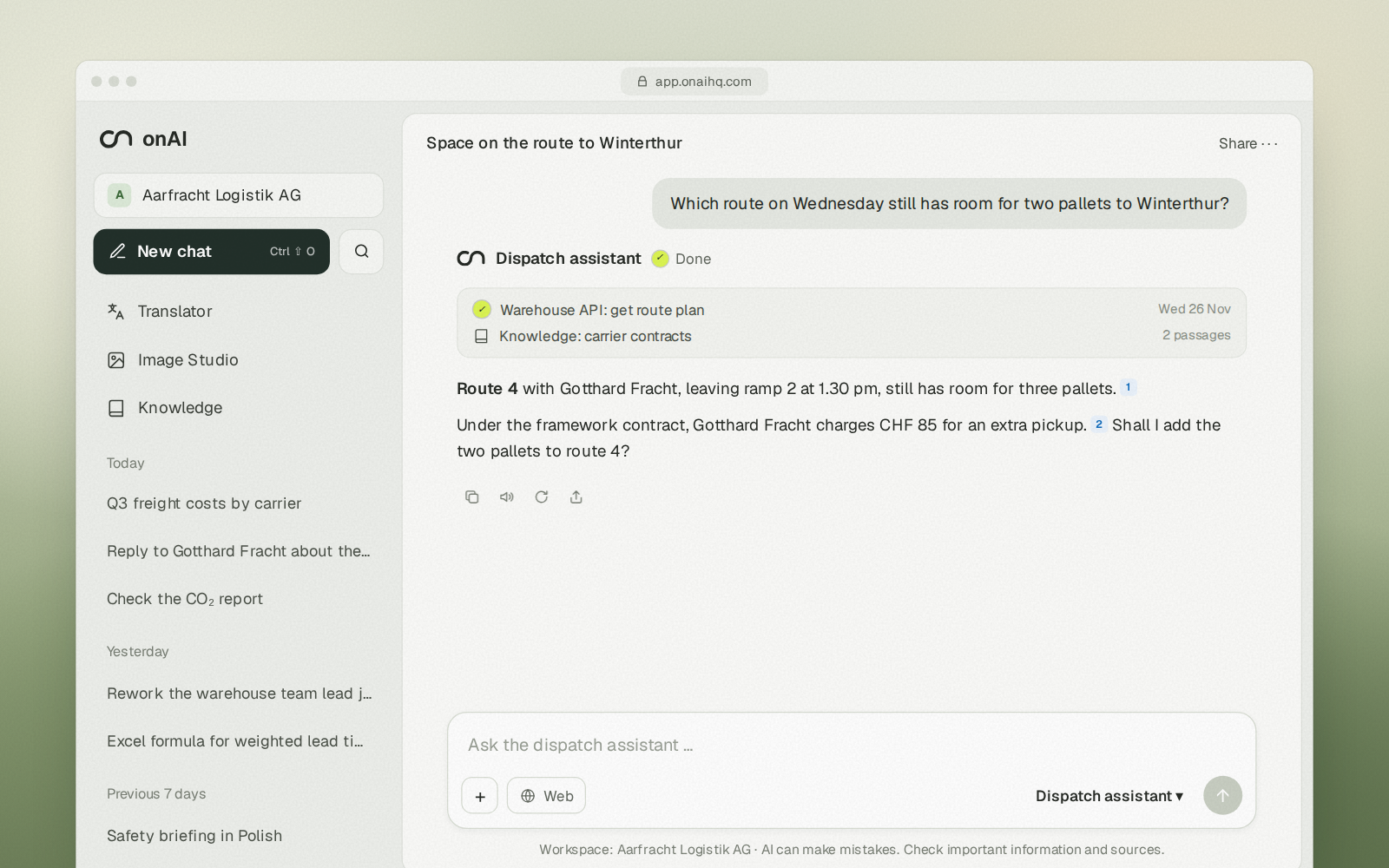
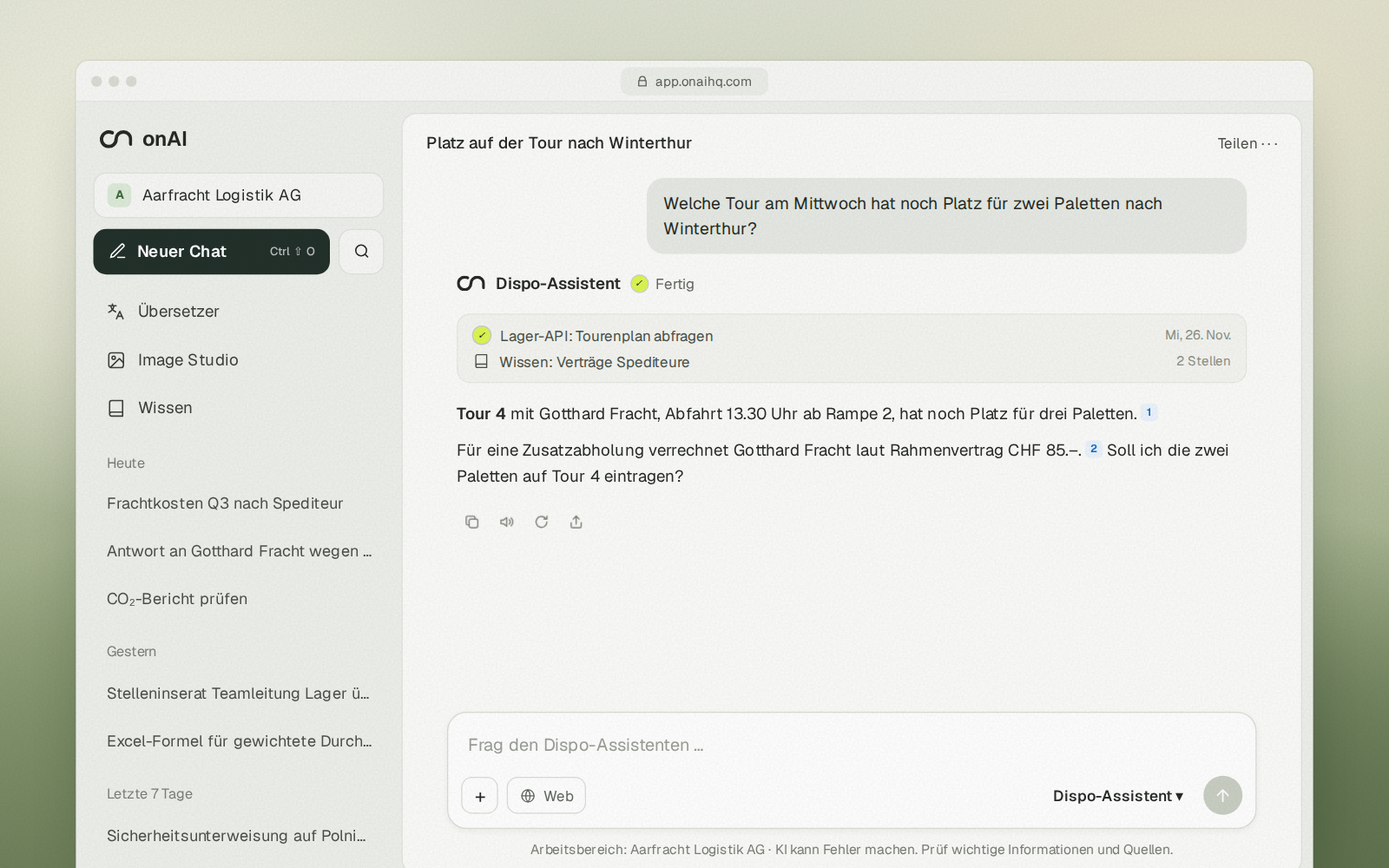
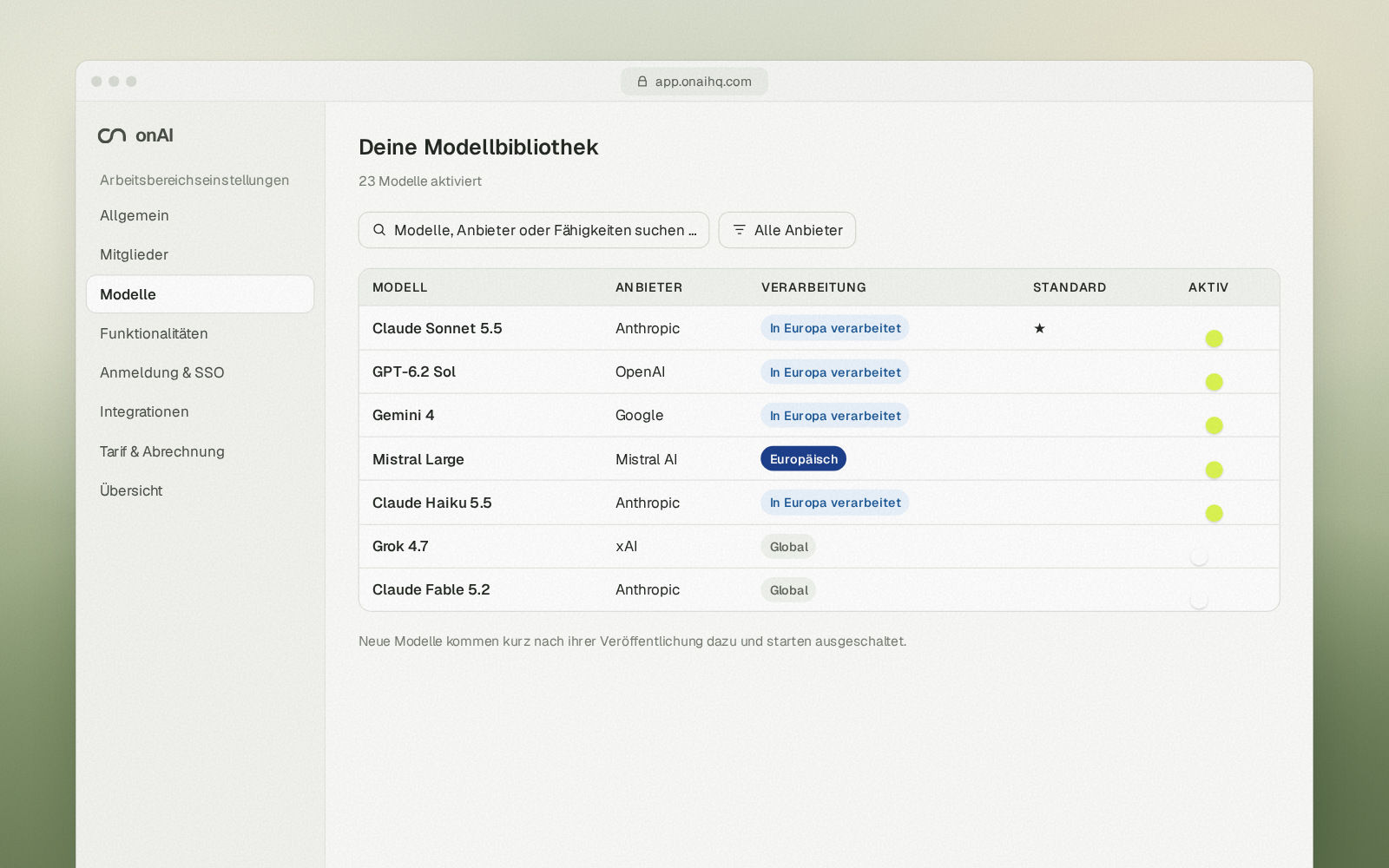
Six views of onAI with sample data, drawn from the current app. Each image comes as a 1600 × 1000 pixel PNG, in German and in English.






Media contact
For interviews, background talks, quotes or images in other formats, write to us. We’ll get back to you personally.