Comparison
ChatGPT alternative: onAI on your servers
ChatGPT Business and Enterprise are OpenAI's company workspaces. onAI offers a Swiss contracting partner and operation on your own servers on request.
Price the plan your whole team needs
onAI starts at €17 per user per month, including €5 of model use. Larger teams pay less, or can agree one fixed price for the company. Onboarding and training are included in that fixed price.
ChatGPT Business lists Standard at US$20 and Premium at US$100 per user per month on annual billing. New Business subscriptions are limited to 200 paid seats; larger rollouts need Enterprise pricing. Optional usage credits are separate, so do not project the Business seat rate across a 1,000-person company.
- onAI
- From €17 per user/month Includes €5 of model use; lower for larger teams, or a fixed price
- ChatGPT Business / Enterprise
- Business Standard US$20/user/month Premium US$100/user/month; annual billing; Enterprise quote; optional credits
Distinguish regional storage from processing
onAI runs on servers in Europe with a Swiss contracting party. A dedicated server or operation on your own servers is possible on request. Discuss the deployment you need before selecting the workspace, particularly when your infrastructure policy calls for an installation you control.
Eligible new ChatGPT Enterprise workspaces can select the Europe region, covering the EEA and Switzerland, for in-scope content storage. European GPU inference has separate eligibility. CPU tasks can run elsewhere, while system data and external integrations sit outside the general regional content commitment. We have not confirmed the same residency eligibility for standalone Business.
- onAI
- Swiss contracting party, servers in Europe On request a dedicated server or on-premises
- ChatGPT Business / Enterprise
- European residency for eligible Enterprise workspaces New workspaces; separate storage/GPU conditions; Business eligibility unverified
Choose the workspace employees will use
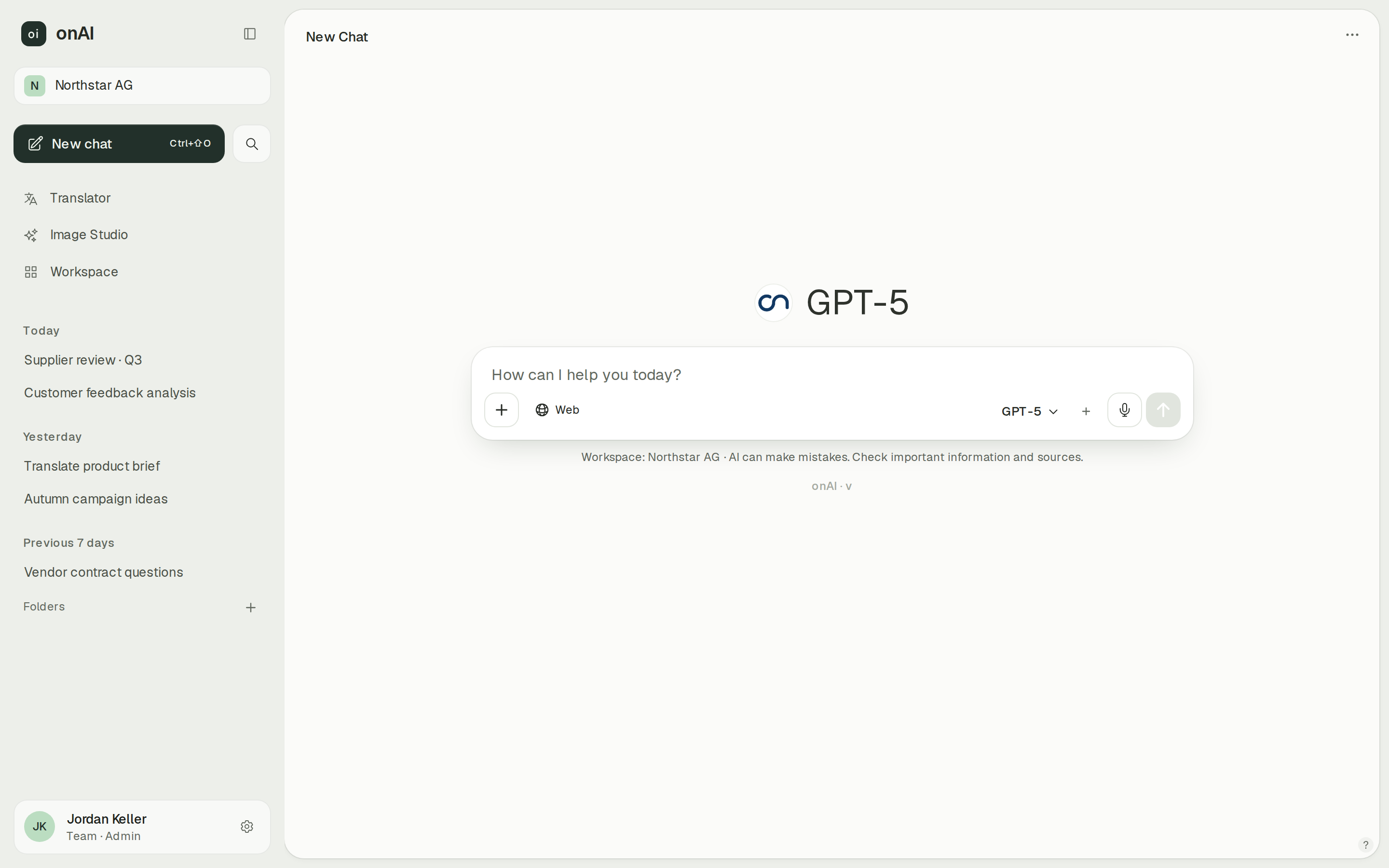
onAI has an uncluttered browser interface without technical settings or installation. Employees can upload PDF, Word, Excel and other files directly in the chat and ask questions about them. A personal demo followed by team access lets you evaluate that daily workflow.
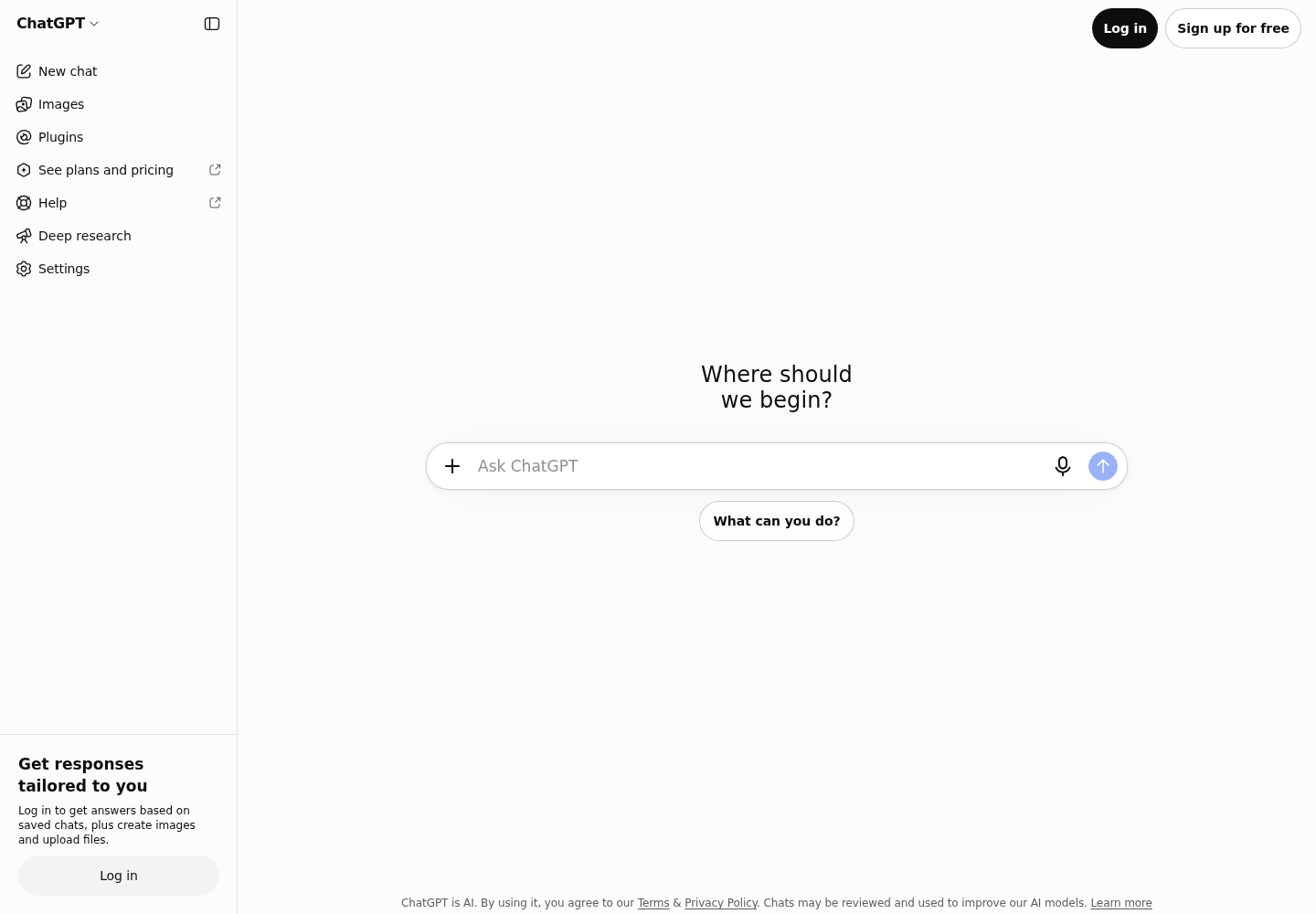
ChatGPT offers web, desktop and mobile access, with some capabilities depending on client and plan. It also has official Word, Excel and PowerPoint add-ins. Compare the tasks employees need to finish inside those applications with the tasks they will do in a separate chat.
- onAI
- Uncluttered interface in the browser No technical settings, nothing to install
- ChatGPT Business / Enterprise
- Web, desktop and mobile Feature availability depends on client and plan
Compare visual directions in one place
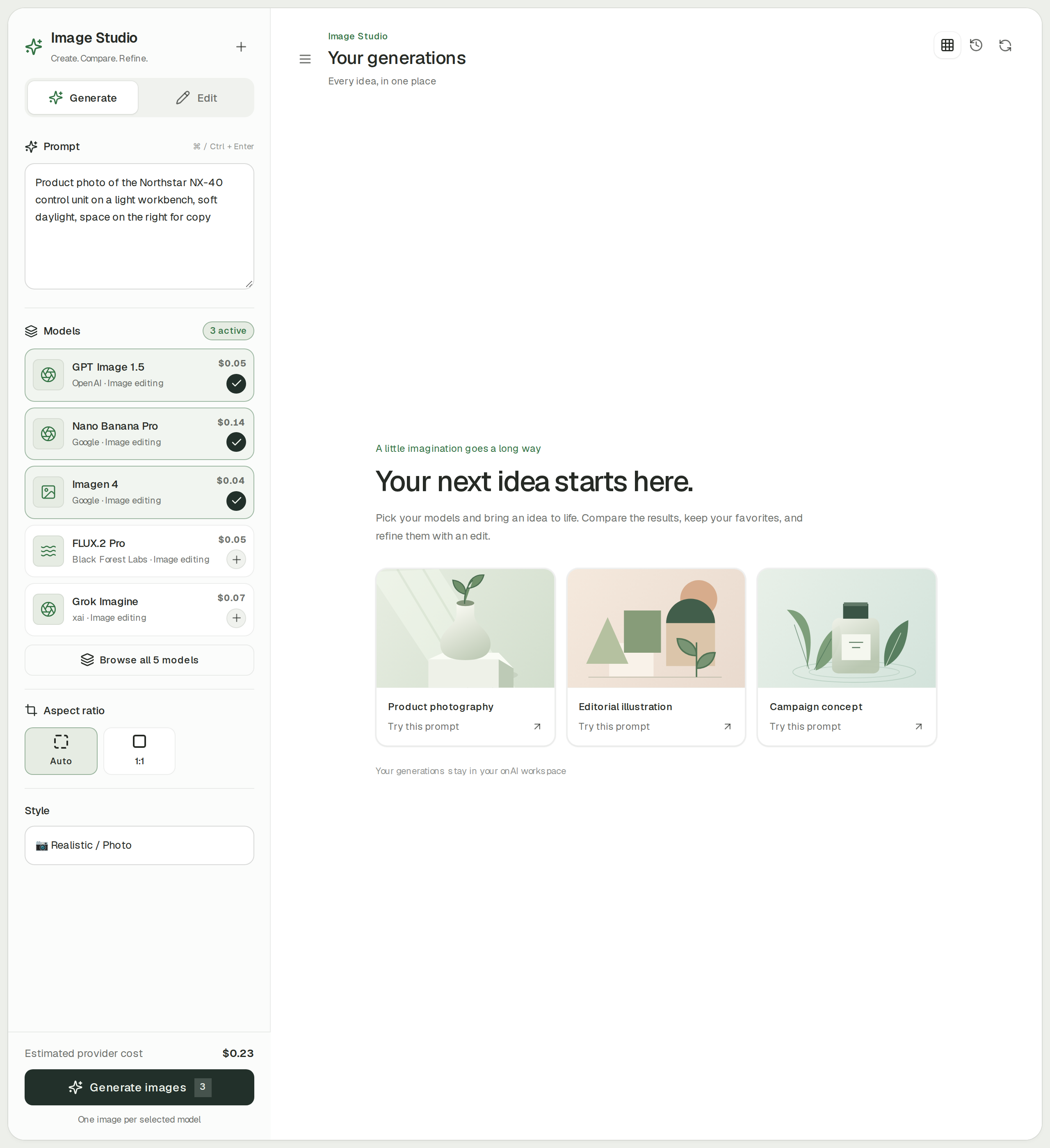
onAI's Image Studio compares up to three models from one prompt. It supports styles and editing with up to ten reference images, and shows the estimated cost before generation. Use that comparison when your team needs several visual directions to choose from.
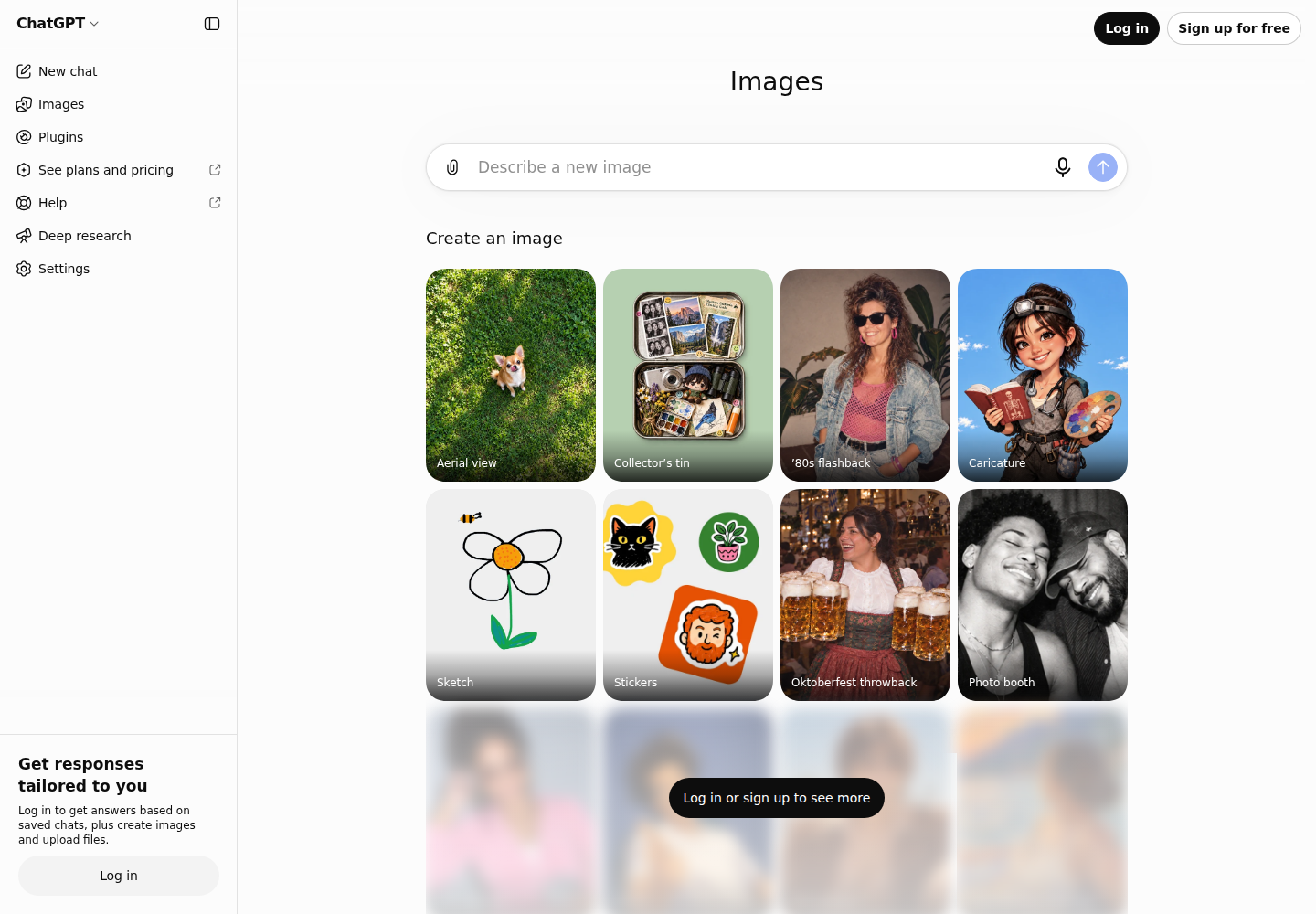
ChatGPT Enterprise includes native image generation, and ChatGPT Images can edit uploaded or generated images. Exact image-model mapping and per-group image controls remain unverified. The business agreement assigns output rights to the customer to the extent permitted by law, with responsibility for how the output is used.
- onAI
- Image studio with leading models Three models side by side, styles, editing with reference images
- ChatGPT Business / Enterprise
- Native image generation in Enterprise Exact model and group controls not established
Scope administration to the actual plan
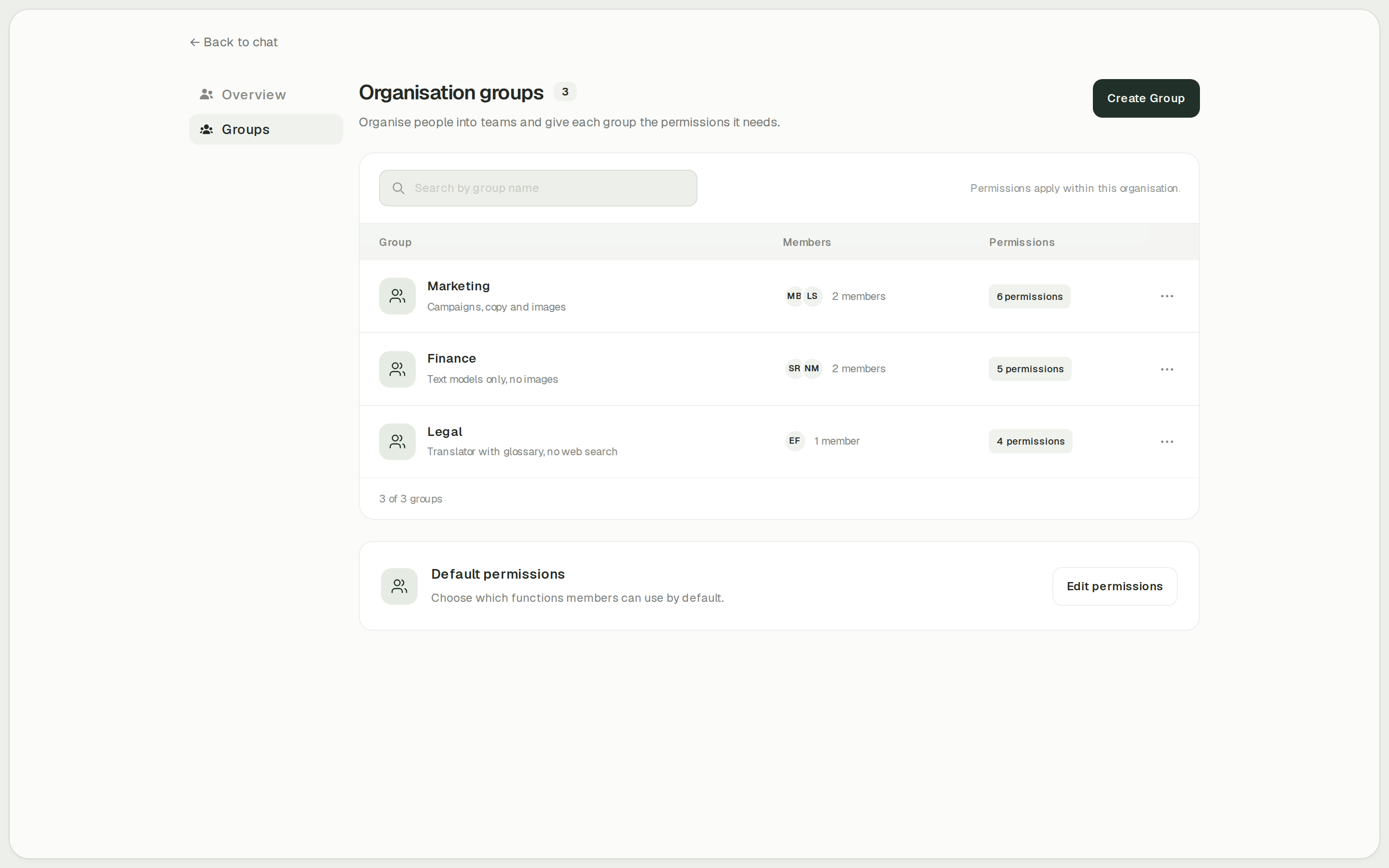
onAI administrators set feature access per group, including Image Studio, the translator and web search. You can also set organisation and individual cost limits. Decide which teams need each tool before you open access across the company.
ChatGPT Enterprise documents groups, role-based feature controls and delegated group management. Standalone Business does not include synchronised groups. Check the plan's actual permissions and provisioning requirements.
- onAI
- Roles and groups Features enabled per group, for example Image Studio, translator
- ChatGPT Business / Enterprise
- Enterprise groups and role-based controls Standalone Business excludes synchronised groups
Case Study
Secure AI for 6,800 employees: how Manor established a privacy‑compliant alternative to ChatGPT across the company with onAI.
Thanks to the latest AI capabilities in onAI, our employees are more productive and use them securely and compliantly — at an affordable fixed price.
Where onAI fits better
Choose onAI if you want a Swiss contracting partner, an uncluttered browser workspace and direct contact with the team running it. You can include onboarding and training in a company fixed price.
A translator for company terminology
Use the built-in DeepL translator for documents whose layout matters. Glossaries and formal or informal address give you explicit controls for recurring terminology and tone.
Your choice of deployment
onAI runs on servers in Europe with a Swiss contracting party. If your infrastructure policy requires it, ask us about a dedicated server or running onAI on your own servers.
A direct line during rollout
You can speak to our team in German or English. Onboarding and training are included in the fixed price; we agree service levels and response times in your contract.
Where ChatGPT fits better
ChatGPT fits teams that want OpenAI's native task and analysis tools, including work on documents and spreadsheets, and are ready to choose Business or Enterprise according to scale and administration needs.
Longer tasks with finished deliverables
On eligible Business and Enterprise workspaces, ChatGPT Work carries out multi-step tasks and creates documents, spreadsheets and presentations. Enterprise's analysis tools also use Python for data analysis and charts.
Work inside Word, Excel and PowerPoint
Official add-ins bring ChatGPT into Microsoft Office applications. In Word it can draft, revise and reorganise the open document, although complex formatting, tables and charts can need manual adjustments. Microsoft and ChatGPT administrators both have access controls to configure.
What onAI could do better
Custom automation needs our service
We build custom workflows as a service. onAI has no separate autonomous agent mode; tools run in the chat. Include that distinction in your evaluation if you want AI to carry out longer tasks on its own.
No built-in SIEM connection
Audit logging can be switched on, but a built-in SIEM connection is not included. If your security team needs one, make it part of the technical evaluation.
At a glance
Price
- onAI
- From €17 per user/month Includes €5 of model use; lower for larger teams, or a fixed price
- ChatGPT Business / Enterprise
- Business Standard US$20/user/month Premium US$100/user/month; annual billing; Enterprise quote; optional credits
Regional data handling
- onAI
- Swiss contracting party, servers in Europe On request a dedicated server or on-premises
- ChatGPT Business / Enterprise
- European residency for eligible Enterprise workspaces New workspaces; separate storage/GPU conditions; Business eligibility unverified
Images
- onAI
- Image studio with leading models Three models side by side, styles, editing with reference images
- ChatGPT Business / Enterprise
- Native image generation in Enterprise Exact model and group controls not established
Permissions
- onAI
- Roles and groups Features enabled per group, for example Image Studio, translator
- ChatGPT Business / Enterprise
- Enterprise groups and role-based controls Standalone Business excludes synchronised groups
Document translation and glossaries
- onAI
- DeepL translator built in Documents with layout, glossaries, formality; adjust style and tone
- ChatGPT Business / Enterprise
- Not stated in docs (as of )
"We found no public information on this" and "Not stated in docs" describe our research on the date shown; neither means the product lacks the capability.
Comparing onAI with ChatGPT Business / Enterprise?
Book a demo. We show onAI with your own use cases and answer your data-protection questions.
Book a demoQuestions you might have
- Can a new Business workspace cover 1,000 employees?
- No. New Business subscriptions are limited to 200 paid seats since 24 August 2026; grandfathered workspaces differ. A larger new deployment needs an Enterprise offer, so its total should not be calculated by multiplying the Business list price.
- Can we host the whole workspace ourselves?
- onAI can run on your own servers on request. We have not confirmed an equivalent customer-hosted ChatGPT workspace. European residency for eligible Enterprise workspaces is a regional service configuration, not evidence of an installation on your infrastructure.
- Does ChatGPT have the same document translation controls?
- onAI includes DeepL document translation with layout retention, glossaries and formal or informal address. ChatGPT for Word supports writing and revision, but document translation with those layout and glossary controls remains open in our research.
- Do our company prompts train the models?
- onAI does not use your data to train AI models and selects providers that exclude this by contract. OpenAI's business agreement excludes using customer content to improve its services without explicit agreement. Third-party apps have their own data-handling terms.
How this page was made
Research date: • Method: the vendors' public sources, collected and checked by AI agents and assessed against the onAI comparison rubric v1.1.
ChatGPT facts come from public OpenAI documentation and business terms, collected by a research agent and checked by an independent agent. onAI facts are owner assertions. Current public ChatGPT web screens and OpenAI documentation supply the competitor captures; onAI application captures contain demo data.
Written by onAI. We make one of the two products compared here, so this is a vendor's comparison. We checked every statement about ChatGPT against a public source; the sources are listed in this page's structured data.